Rearrange with ease
Drag an idea onto another to make it a child, or between two to reorder. Move Up, Move Down, Promote and Demote work from the keyboard too.
 idealbloom
 is a fast, focused mind map app for iPhone, iPad and Mac. Type an idea, add a few branches, and watch your thinking take shape. The layout takes care of itself.
 iPhone and iPad · iOS / iPadOS 26 or later
 Mac · macOS 26 or later
Click the map or tab to it, then press Tab to add a child idea, Return to add the next idea, Delete to remove one, Command-/ or Control-/ to collapse or expand an idea, and the arrow keys to move. Press Escape to leave the map.
New ideas open ready for typing. Keyboard shortcuts and menu bar commands on Mac and iPad, and edits on a map can be undone.
First-level branches sit on both sides of the central topic, deeper ideas grow outward, and there is space between nodes. Zoom, pan, or zoom to fit.
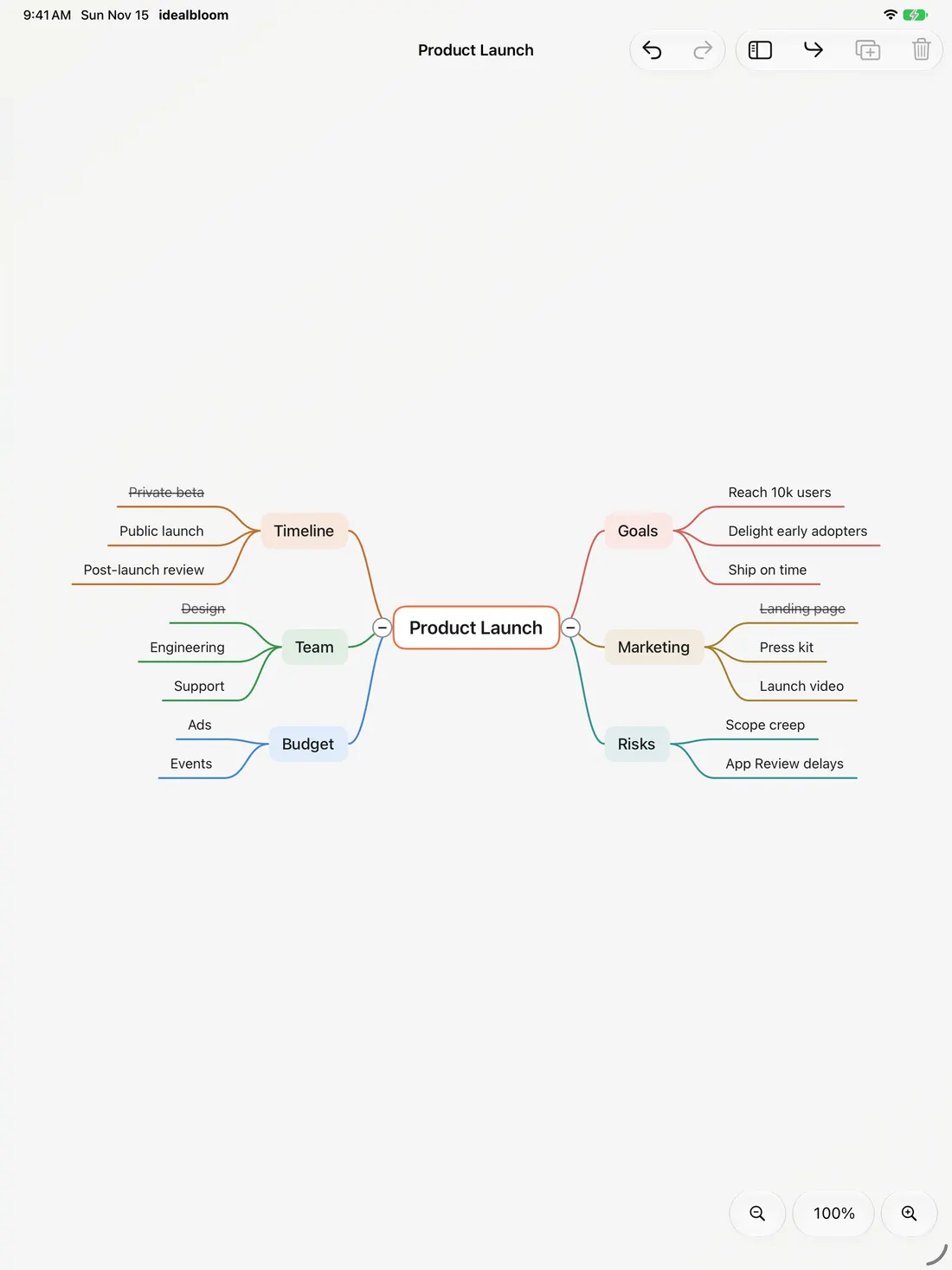
Each main branch has a color, and the ideas under it follow it. With many branches, colors repeat. Pick a different color from the context menu.
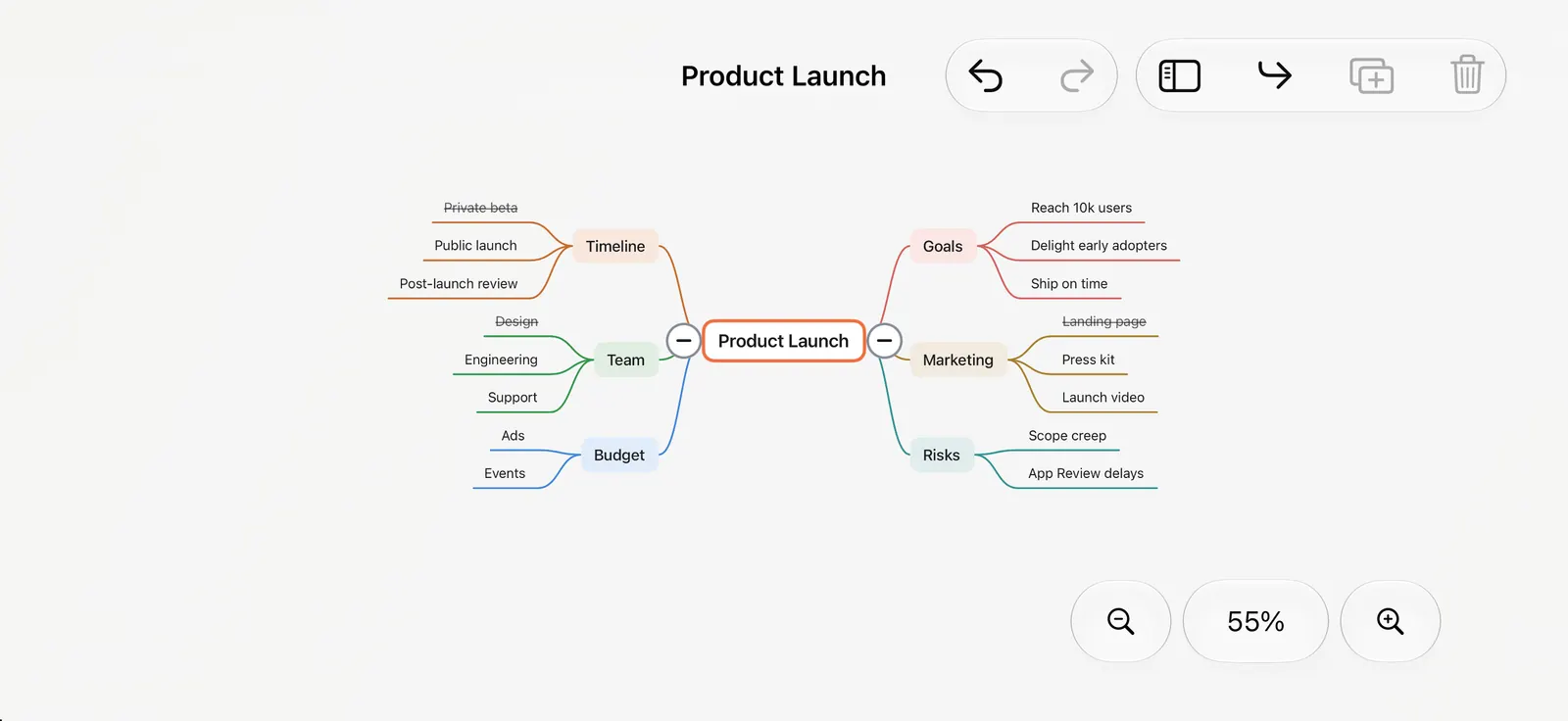
Collapse a branch to tuck away its ideas. A badge shows how many are hidden inside. Hide the sidebar to leave only the map on the canvas.
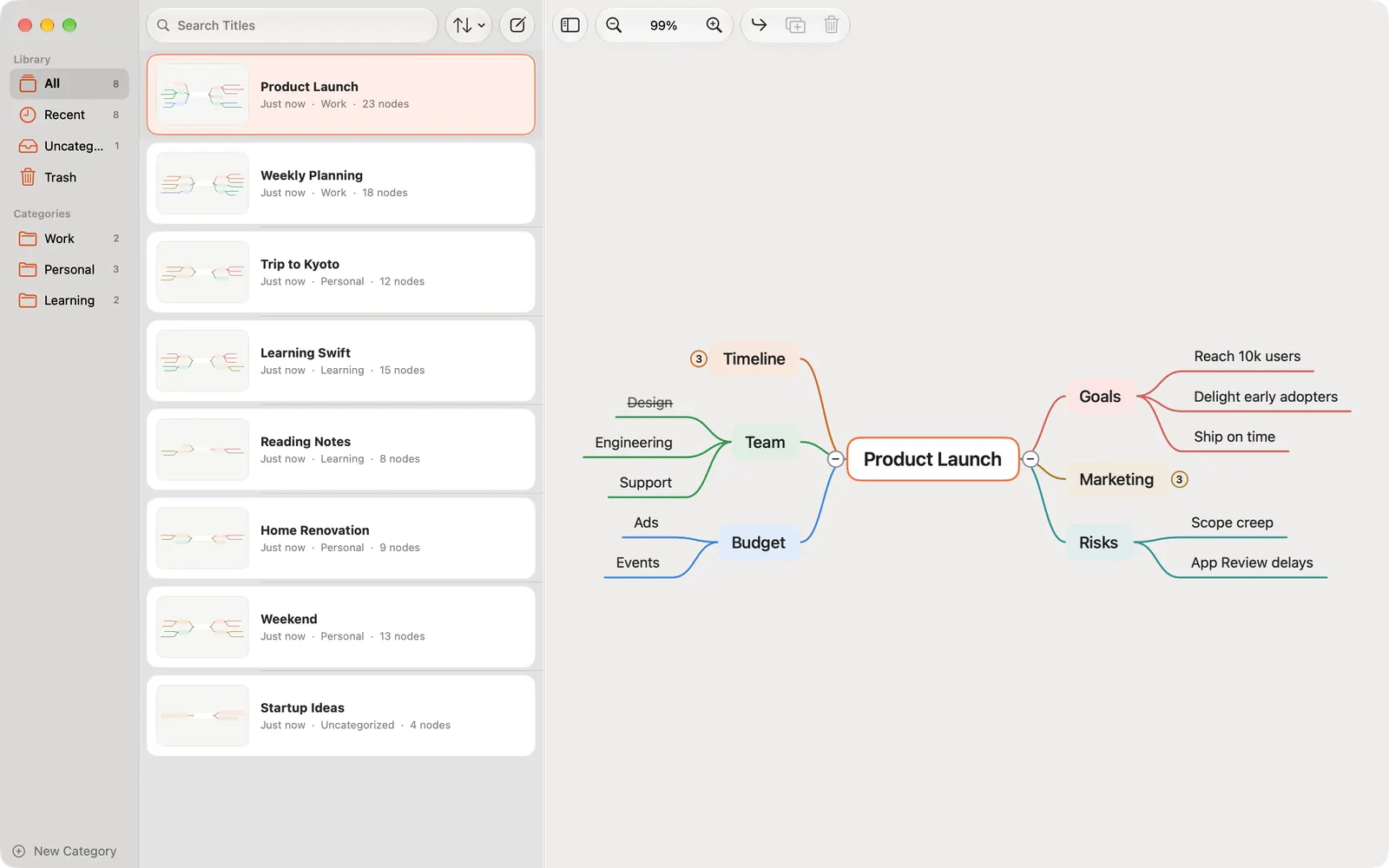
All, Recent and Uncategorized smart groups, nested categories for work, study and personal projects, title search, and sorting by date or title. Deleted maps go to the Trash first, so you can restore them until it's emptied.
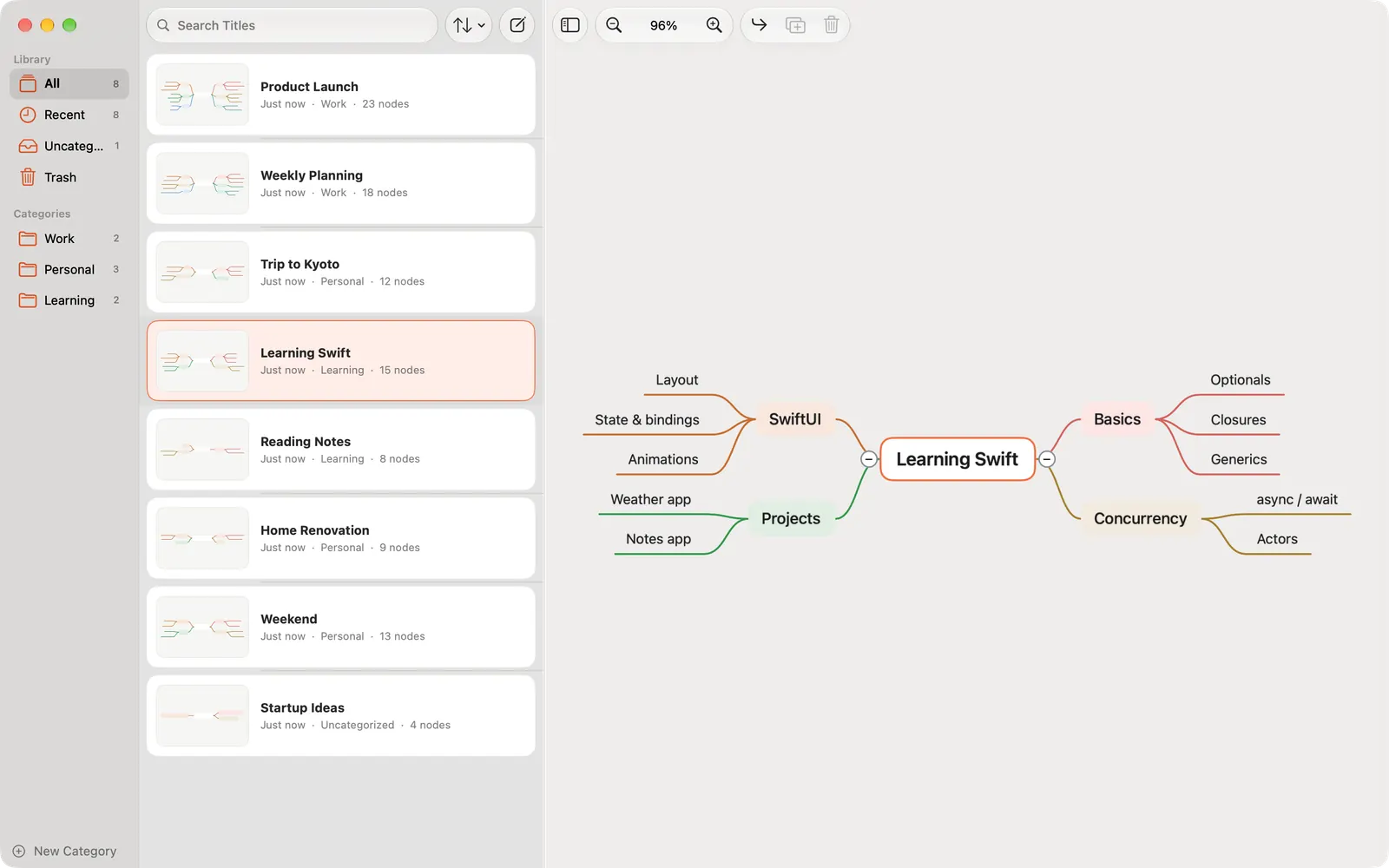
Drag an idea onto another to make it a child, or between two to reorder. Move Up, Move Down, Promote and Demote work from the keyboard too.
Maps save automatically while you work. There is no Save button to forget.
Light and Dark Mode, Increase Contrast colors, Dynamic Type and VoiceOver support.
What you create is stored in the app on your device. idealbloom doesn't send your maps to us or to anyone else.
Uses system controls, in English, Simplified Chinese, Traditional Chinese, Japanese, Korean and Russian.
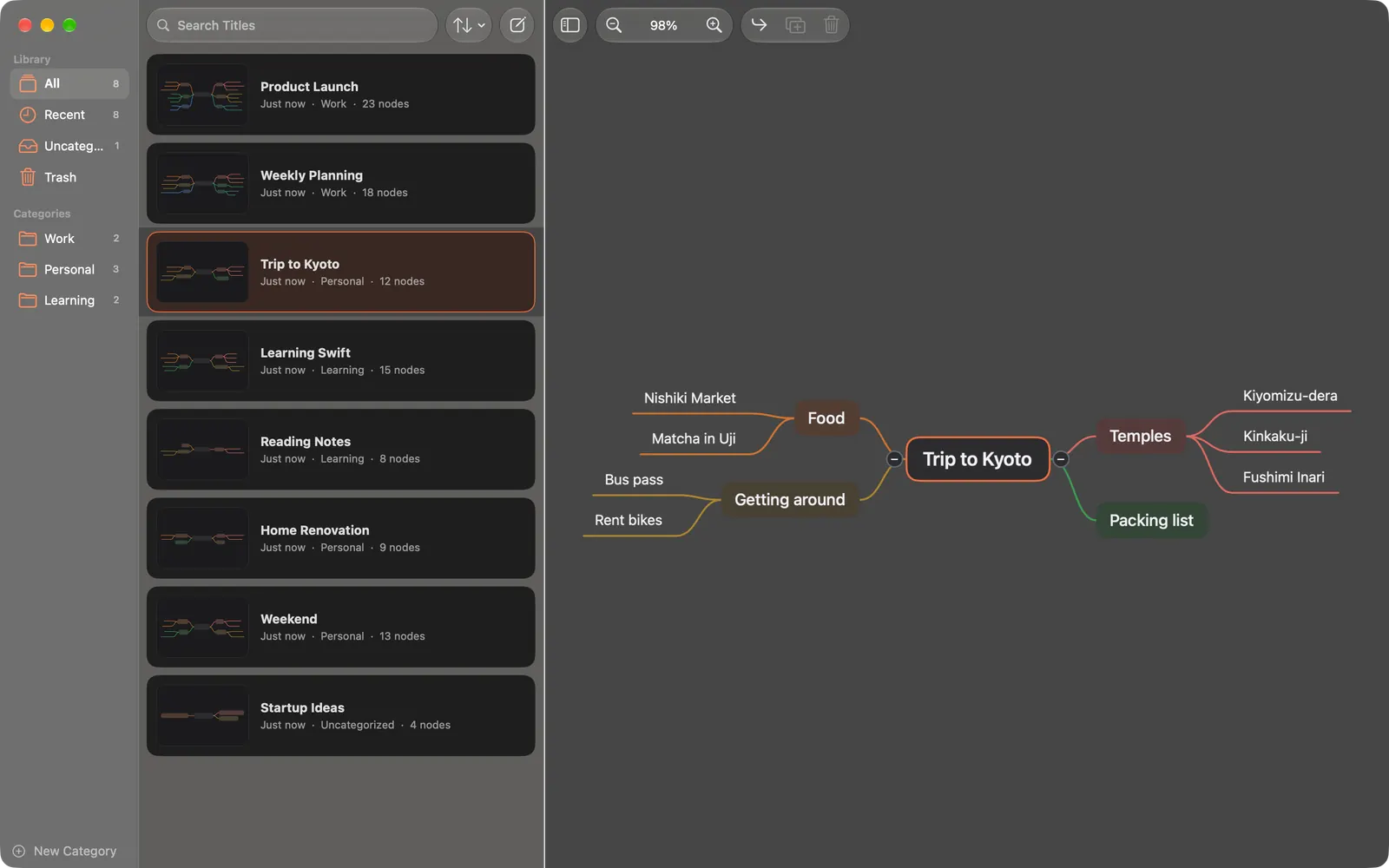
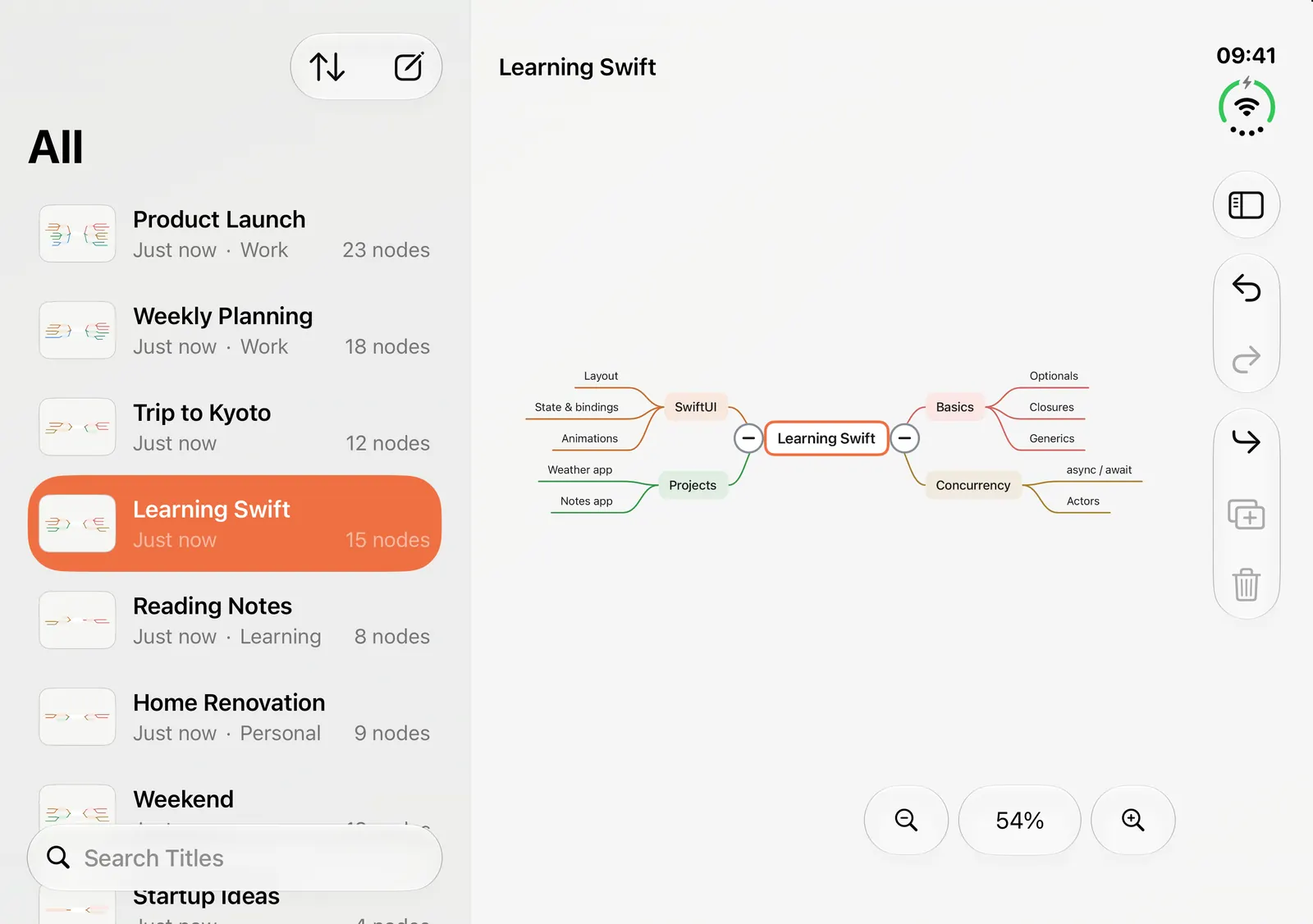
Plan a project, outline an essay, study for an exam, or plan your weekend.
iPhone and iPad · iOS / iPadOS 26 or laterMac · macOS 26 or later